

QUARK QuarkXPress v8.0 (Windows) - ISO
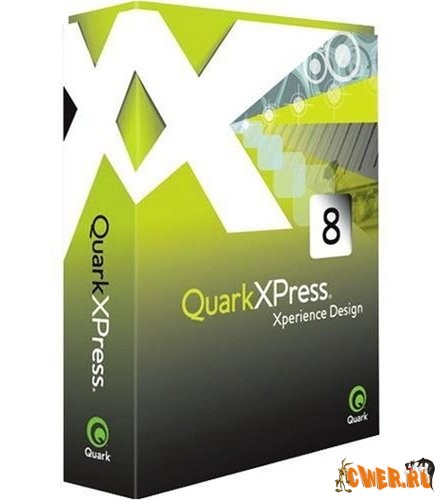
QuarkXPress 8 – это мощная издательская система, обладающая интуитивным интерфейсом и расширенным набором инструментов для обработки текста, управления цветом и графическими элементами, и проектирования web-страниц. QuarkXPress широко используется в книжных, газетных и журнальных издательствах, рекламных и маркетинговых агентствах, дизайнерских фирмах и типографиях.
Благодаря новым функциям, таким как инструменты управления прозрачностью объектов и технология Composition Zones, а также улучшенным функциям печати и создания документов в формате PDF, приложение обеспечивает полную свободу в процессе проектирования и возможность совместной работы с документами.
QuarkXPress 8 содержит более 260 новых функций и усовершенствований, позволяющих объединить процессы макетирования, проектирования и создания информационного наполнения.
New Version of QuarkXPress Delivers a Modern, Intuitive Interface for Faster Design with Fewer Clicks, Precise Typographic Control, Built-in Flash Authoring, and Global Publishing Capabilities.
Quark announced that QuarkXPress v8, the next major release of the industry standard page-layout and design software, is now available to purchase directly from Quark and through Quark Authorized Resellers worldwide.
QuarkXPress 8 delivers superior design power through a new, intuitive interface developed purposefully for the creation of high-end page layout and includes new features such as built-in print, Web and Flash authoring tools, advanced typography control, and global publishing capabilities.
For example:
- Flash and Web Authoring Tools: Without any programming skills, designers and creative professionals can share print content on the Web and in Flash format without purchasing multiple applications or learning code.
- Picture Content Tool: Allows users to grab, rotate, and scale images in real-time without typing in numbers or switching from tool to tool.
- Item Tool and Text Content Tool: Smart behavior within these tools allows for less switching between tools, even for rotation and managing multiple items.
- New Bezier Pen Tools: Draw illustrations directly in QuarkXPress v8 with the redefined Bezier Pen tool.
- Workspace Enhancements: Include new buttons for instant access to master pages and exporting to PDF, EPS, SWF, and HTML— plus new split-view buttons, enhanced contextual menus, and customizable active paste-boards.
- Measurements Palette: Further enhanced to make even more functions easily accessible, including new clickable controls for on-the-fly drop-shadow modification.
- Drag-and-Drop: Drag text and pictures from the desktop, Adobe Bridge, iPhoto, or any other application that supports drag and drop. Alternatively, drag content from QuarkXPress to Adobe Photoshop, Illustrator, Microsoft Word, and other applications for direct editing.
Скачать QUARK QuarkXPress v8.0 (Windows) - ISO (303 МБ):


спасибо, то, что нужно. кварк мало где выставляют, а меня старье стояло. теперь обновимся!!